
Closed test
Placery 1.0 for Android opens first as a Google Play closed test. We are polishing it toward a public release.
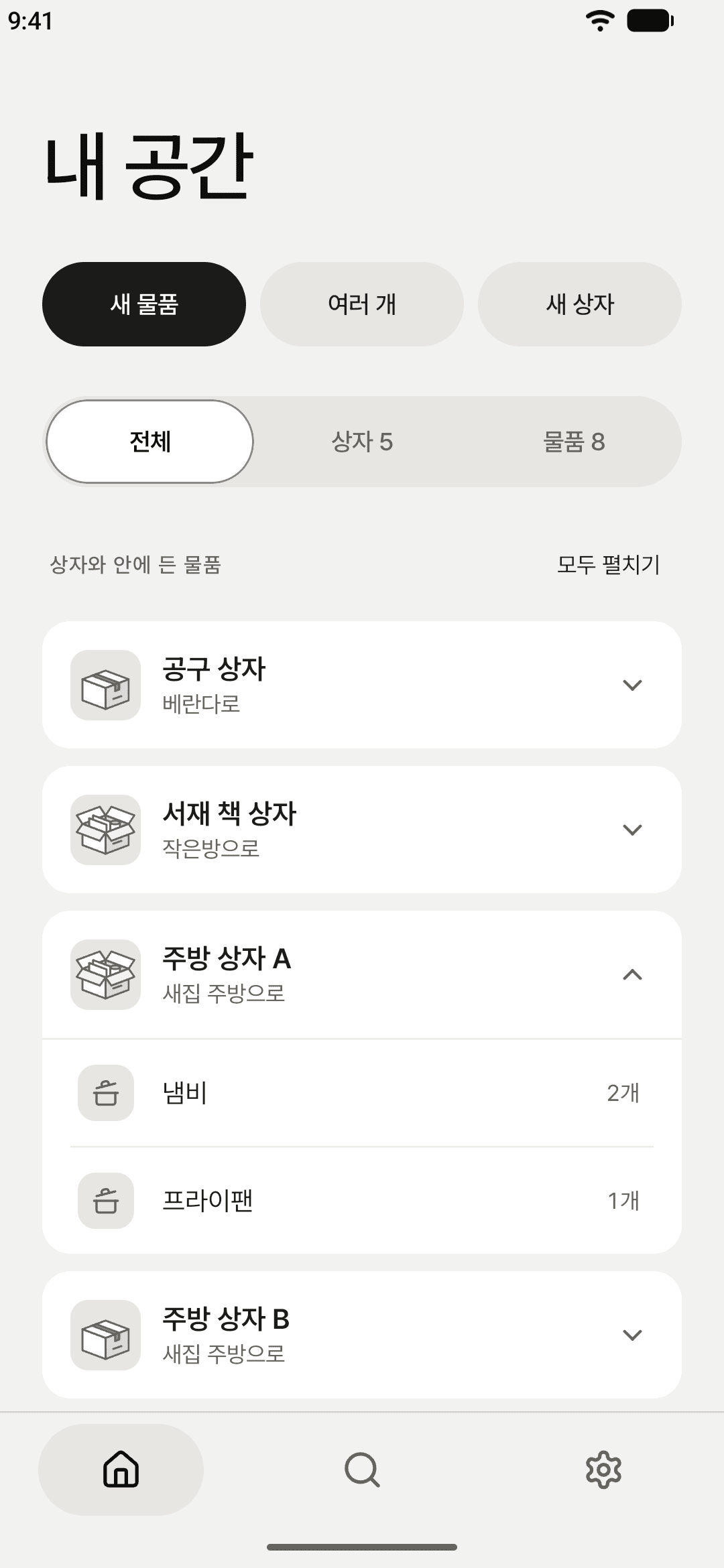
A name is enough to save
Type a name and the item is saved. Quantity and unit, category and memo are there when you need them. To add many at once, write one name per line; a number at the end of a line becomes its quantity.
Pack a box, then seal it
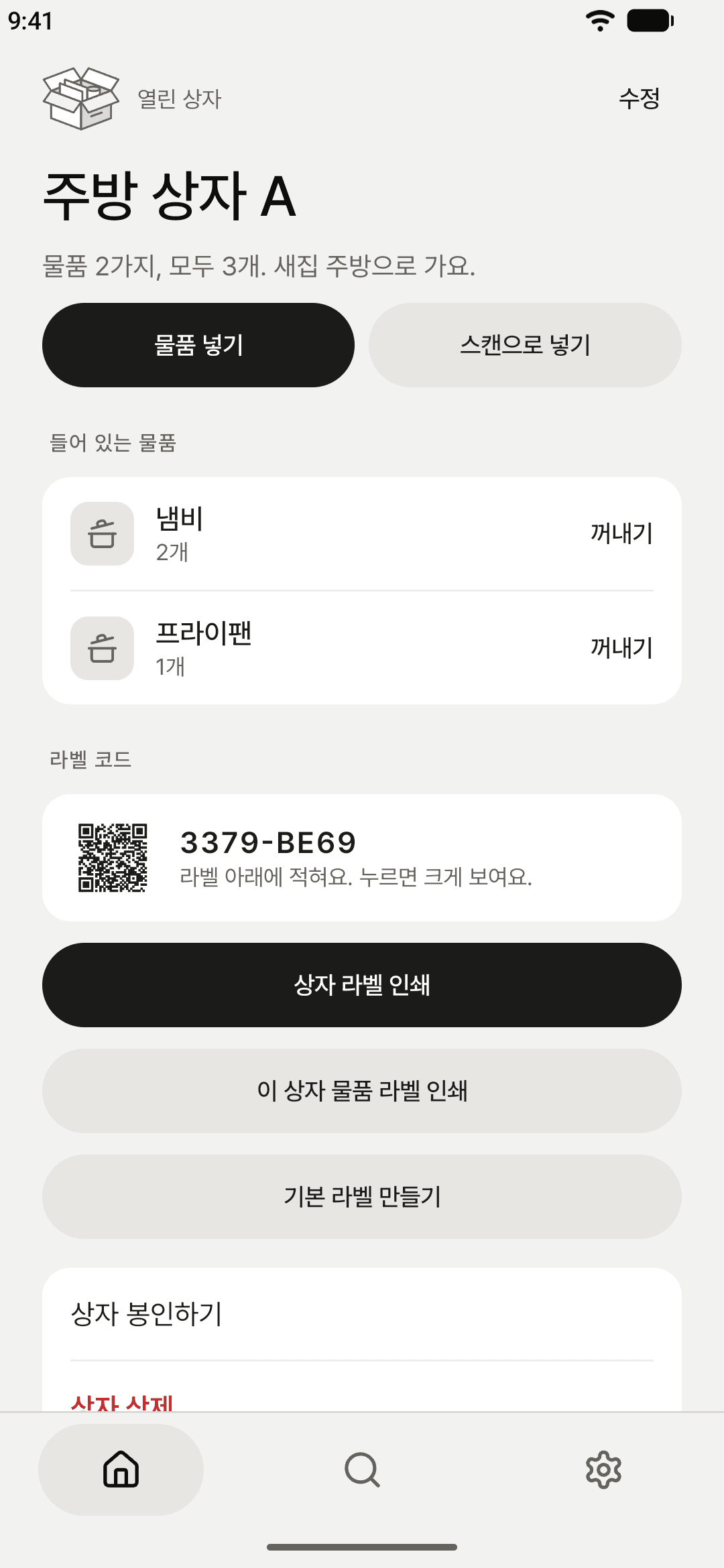
Pick items from the list, or scan the box label and then each item label as you pack. Seal a box once it is full so nothing else goes in by mistake.
QR labels, printed
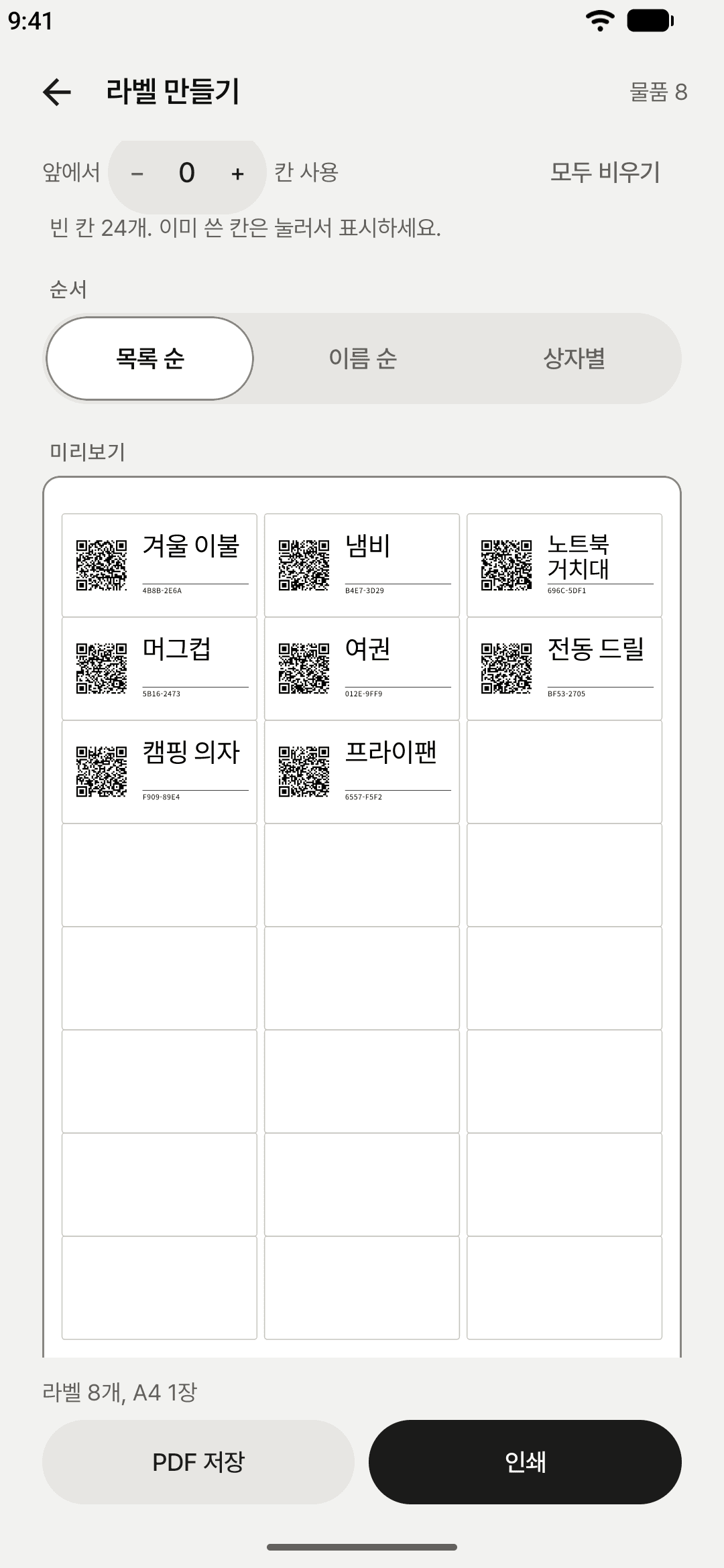
Every box and item gets a label with a QR code, its name set as large as the cell allows, and a short code. Print them on A4 sticker sheets or continuous labels, or save a PDF. When a printer lands a little off, photograph a calibration sheet and Placery lines the next print up.
Scan a box, see inside
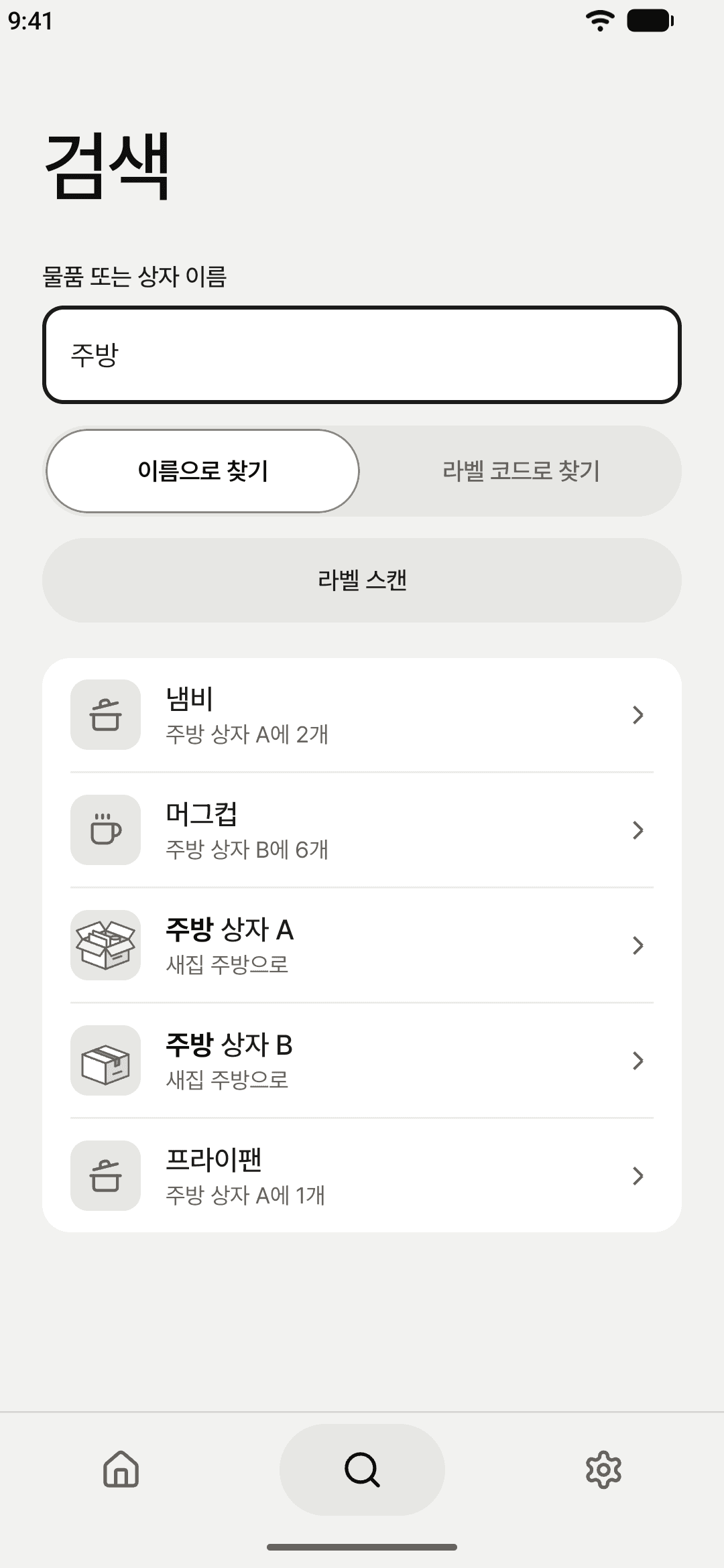
Point the camera at the label on a box and the box and everything in it come up at once. You can also search by name or label code.
Long-press to tidy up
Long-press an entry in the list to change its quantity, move it to another box, take it out, seal a box or delete it, right where you are.
Automatic backup and restore
Placery backs up on the device once a day. You can export a backup file and lock it with a password, and import backups from the previous version (MoveInventory 1.9).
Screens that fit your purpose
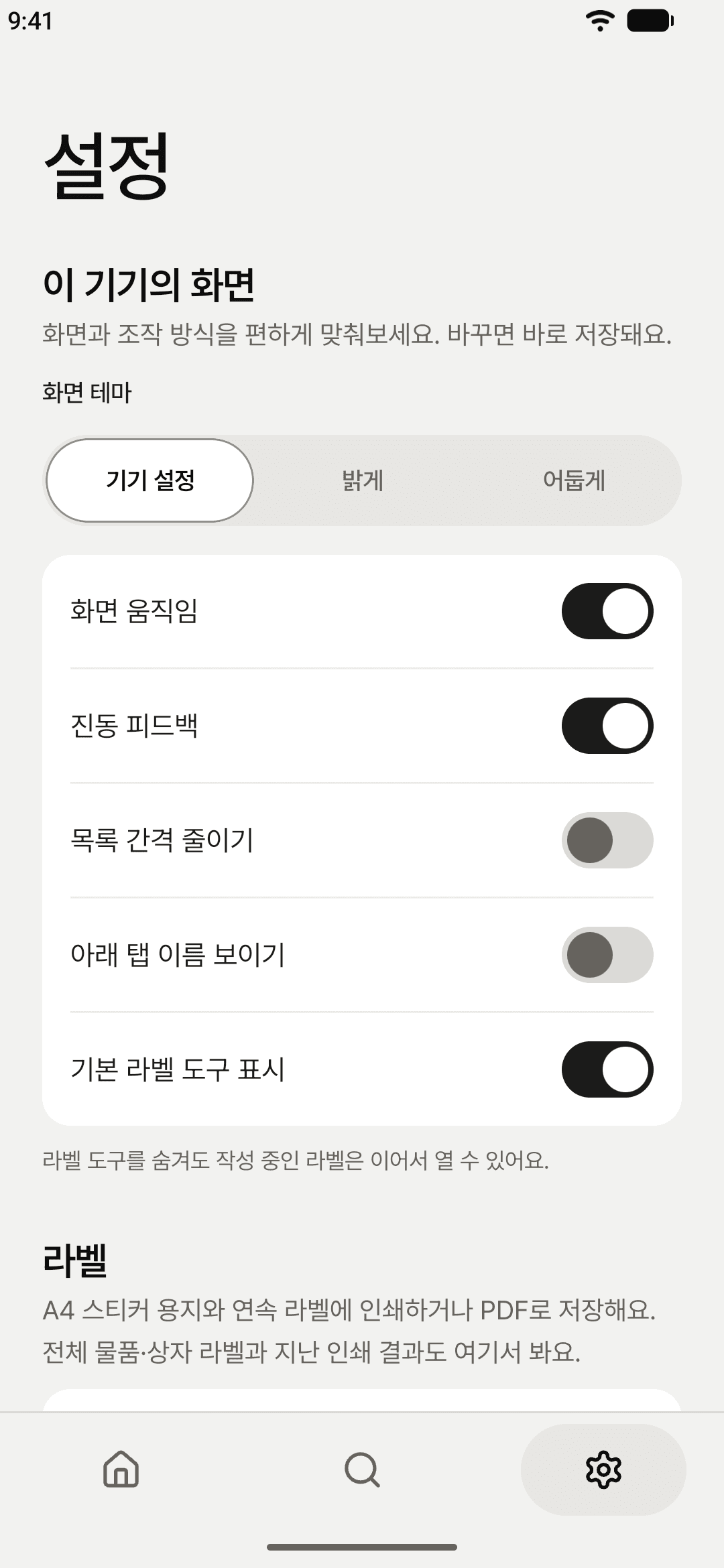
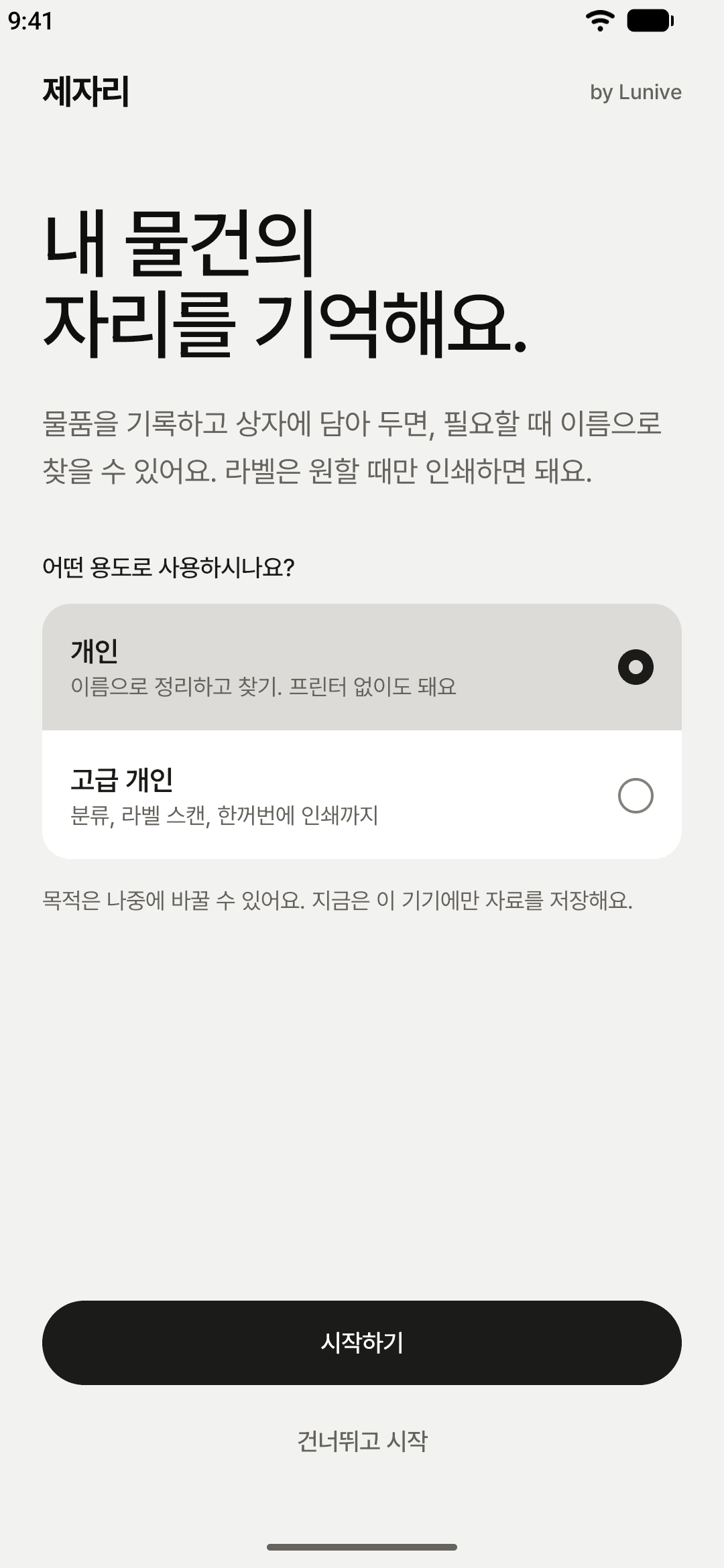
Choose personal or advanced personal, and only the tabs and features that purpose needs are shown. You can turn each feature on or off in Settings.
Everything stays on your device
There is no sign-up, no ads and no analytics. All data is processed on the device and never sent over the internet. The camera is used only to read labels, and nothing it sees is stored. The details are in the Privacy Policy.
Support
For help with the app, write to support@lunive.app.
Why it exists
Placery is an Android app from Lunive. What went into a box is only obvious while you are packing it. Once the tape is on, the memory fades, and finding one thing means opening box after box. Placery asks for a few words when you pack, so that finding something later takes one scan.